Point welding operation
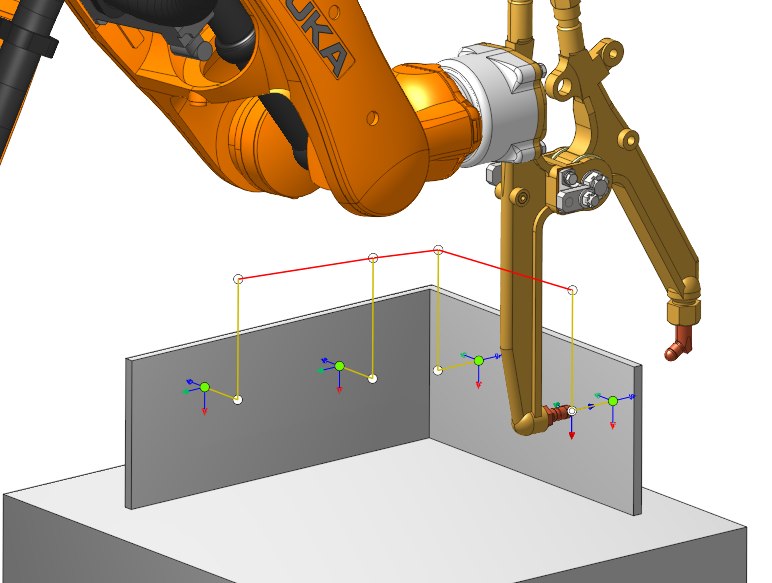
Operation can be used to  Tack weld and
  Spot weld.
Job assignment
In the strategy tab, you need to select the type of welding:
|
|
|
|
|
|
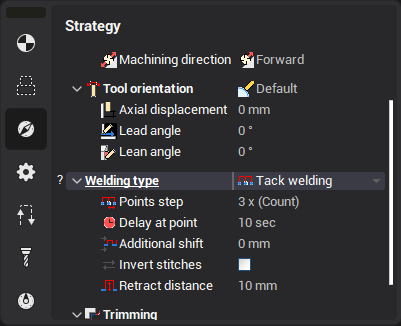
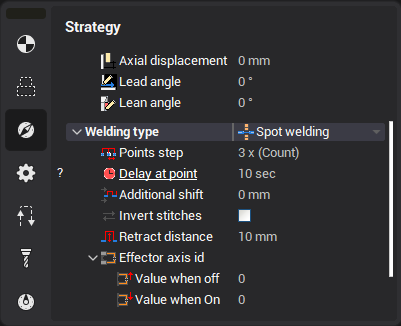
For both types the job assignment is the same.
The job assignment  consists of two types of points:
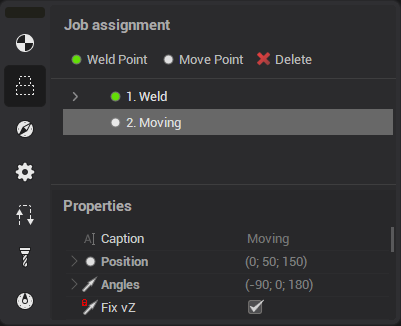
 Weld Point
 Move Point
These points can be used to construct a chain of trajectories:
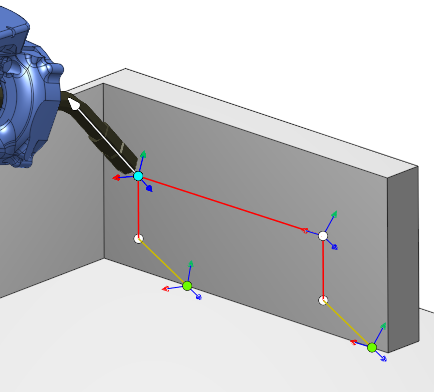
Drag points
These points can be moved by dragging.
They attach to faces  , curves
 , splines
, edges
, splines
, edges , vertices
 . Tool axis rotates automatically when attached.
Move points can be easily moved using Smart snap  :
:
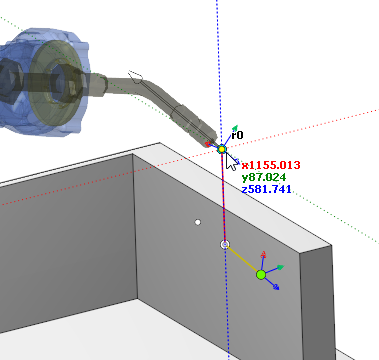
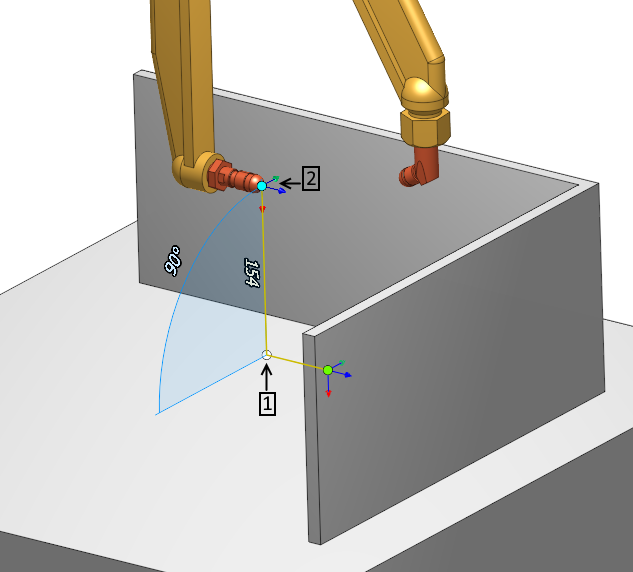
Position of the point can also be specified as an offset from the auxiliary yellow point.
To do this, first select the yellow point:
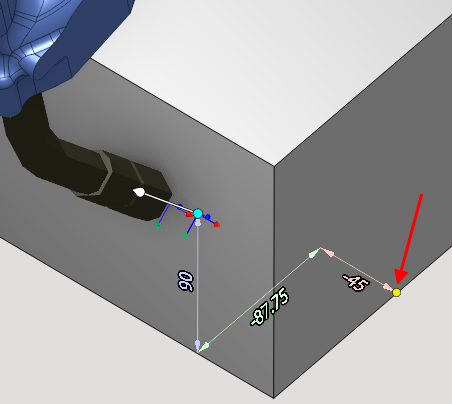
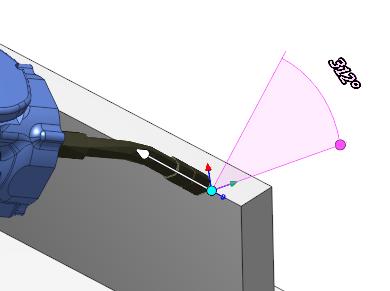
You can also rotate the axis vector by dragging the visual vector:
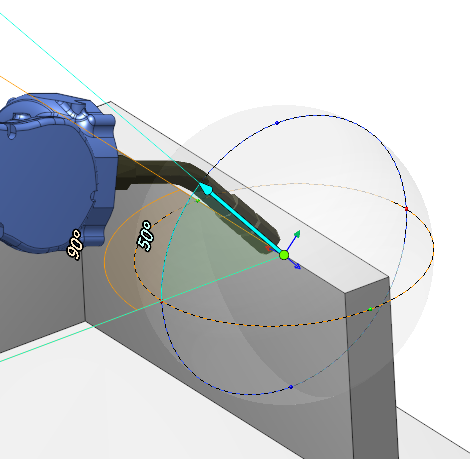
Point parameters
Points contains the following parameters:
Weld Point
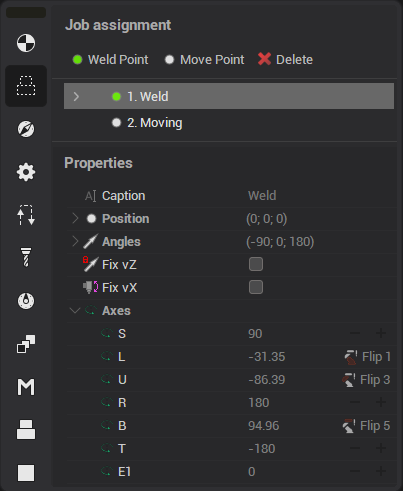
Move Point
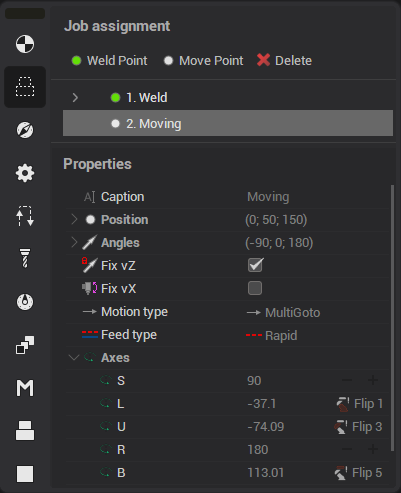
 Caption - point name
Position - point coordinates.
 Angles - tool axis inclination angle at point
 Fix vZ - if enabled point vector does not change when dragged
 Fix vX - enable 6 axis edit mode:
 Motion type - is set by what type to move to the point:
-
MultiGoto - Multi coordinate movement
 PhysicGoto - Physical machine axes movement
 Avoid collisions - Collision avoidance movement
 Axes - machine axis at the current point.
When changing axes, two buttons appear:
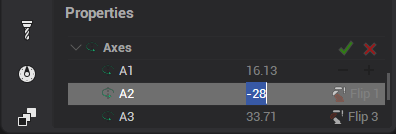
 - moves the point to the tip of the machine
 - returns previous values

 - 360/+360
 Flip - controls flips in the robot
Auxiliary Point
 Weld point also contains additional auxiliary points:
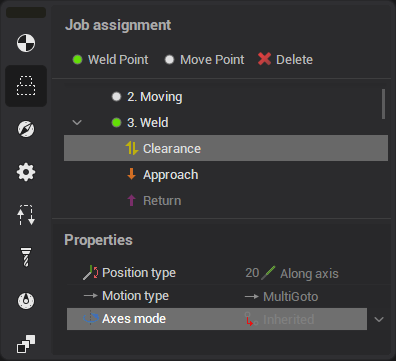
Clearence
Engage
Retract